01
Set up the event
Organizers create the event, add bouts, upload rosters, assign judges, and prepare the public event view.
Score the bout,not the paperwork.
The RingScore Experience
Organizers set the event, judges score each round, supervisors certify results, and the completed record stays ready for review or export.
The workflow follows the jobs already represented in the product: event setup, judge scoring, supervisor review, public display, and records after the event.
Organizers create the event, add bouts, upload rosters, assign judges, and prepare the public event view.
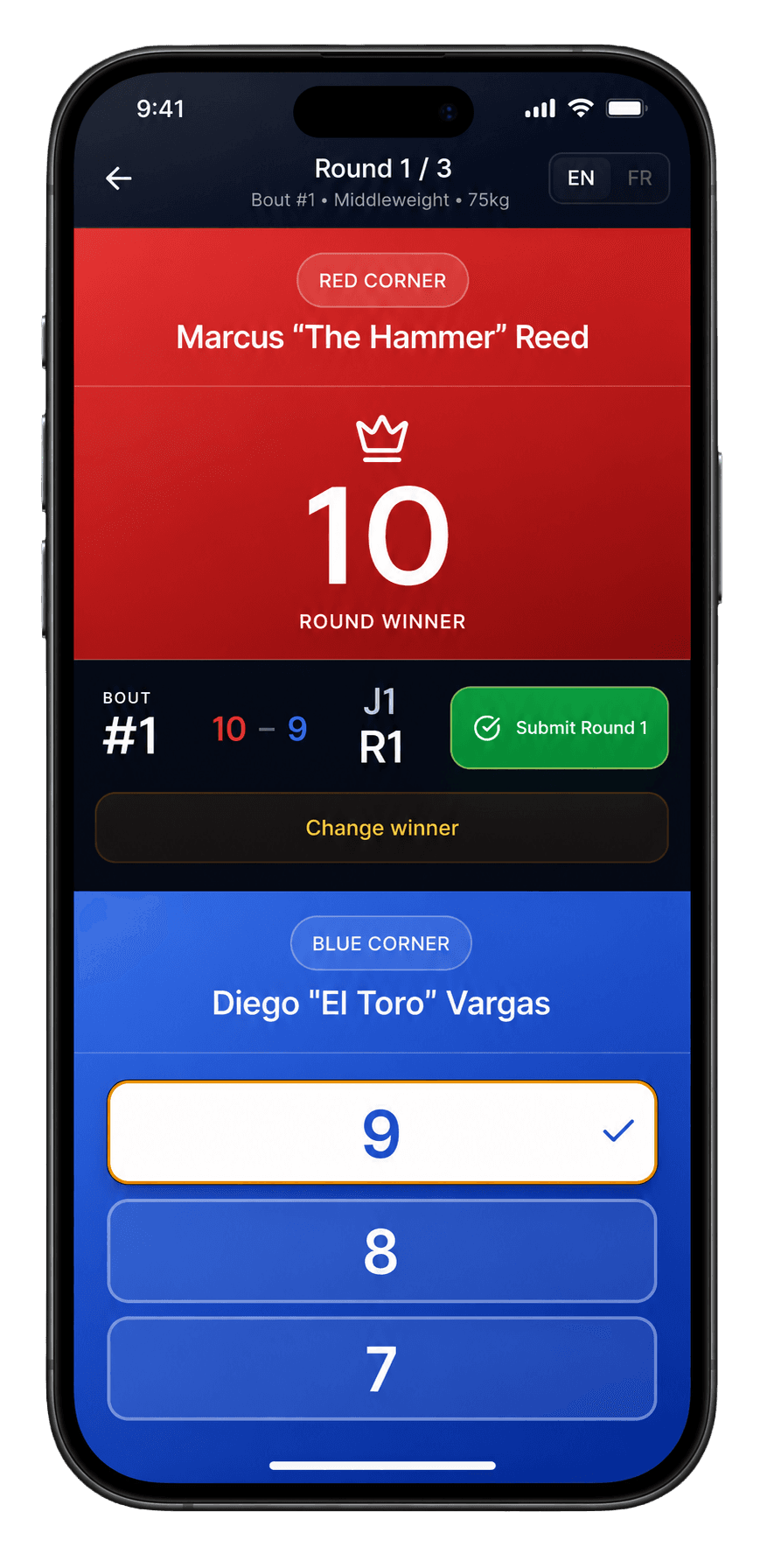
Judges enter the event code, select their name, and score each round from the ringside device.
Supervisors unlock bouts, review scorecard status, add corrections or deductions, and certify the result.
Public displays, jumbotron views, and audience scoring surfaces can follow the event without exposing admin tools.
Completed events keep bout data, judge scorecards, round scores, decisions, and CSV exports together.
Round-by-round 10-point-must scoring with red and blue corner inputs.
Bout control, score review, deductions, corrections, stoppages, and result certification.
Event pages, live boards, jumbotron modes, and broadcast overlay views.
Stored bouts, judges, scorecards, decisions, completed event pages, and CSV exports.